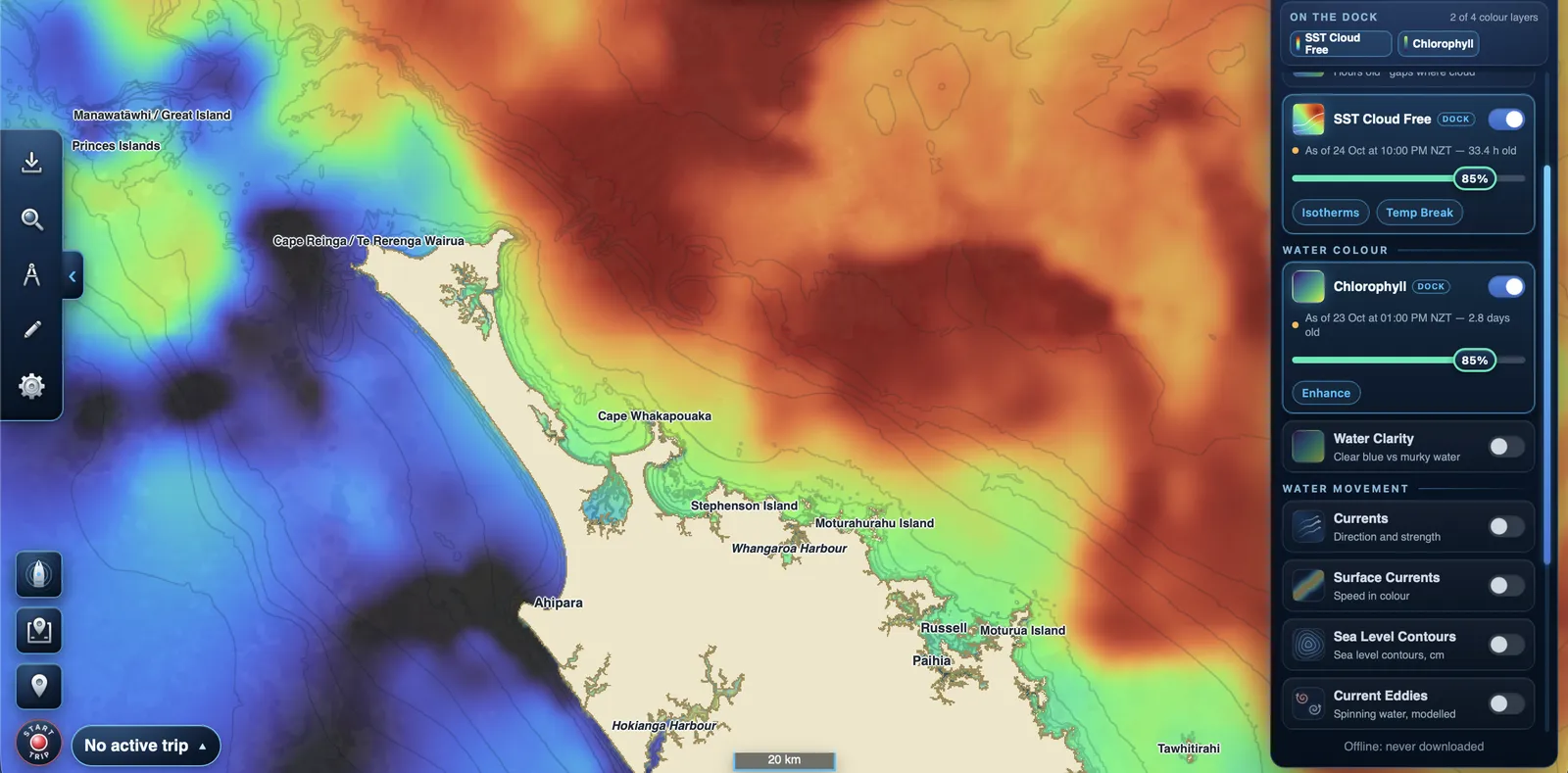
Every layer shows how old its data is, so you always know what you're looking at.
Sea temperature
SST Latest updates through the day from a weather satellite that scans every hour. Where cloud hides the water, the most recent clear reading from the last 12 hours is kept, and you can tap any spot to see its age.
SST Cloud Free is a daily, gap-free picture blended from several satellites: up to about two days old, but complete.
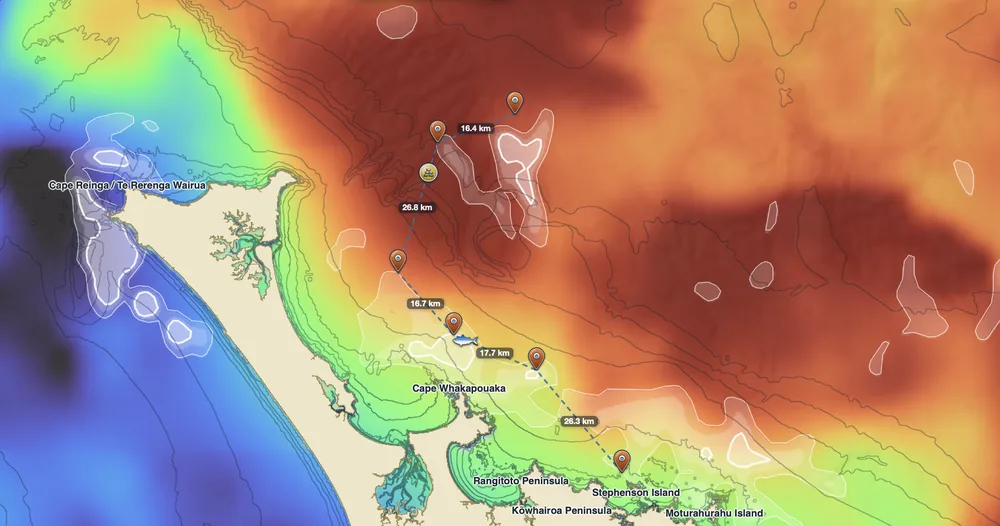
Temp Break and Isotherms
Temp Break lines trace where warm and cool water meet: the places temperature changes fastest, and where predators often patrol.
Isotherms join water of the same temperature. Both are drawn from the same readings as the colours underneath, so they always match.
Water colour
Chlorophyll shows plankton, the base of the food chain. The edge between rich and clear water is worth a look, much like a temperature break.
Water Clarity shows clean blue water against murkier coastal or river-influenced water.
Currents and waves
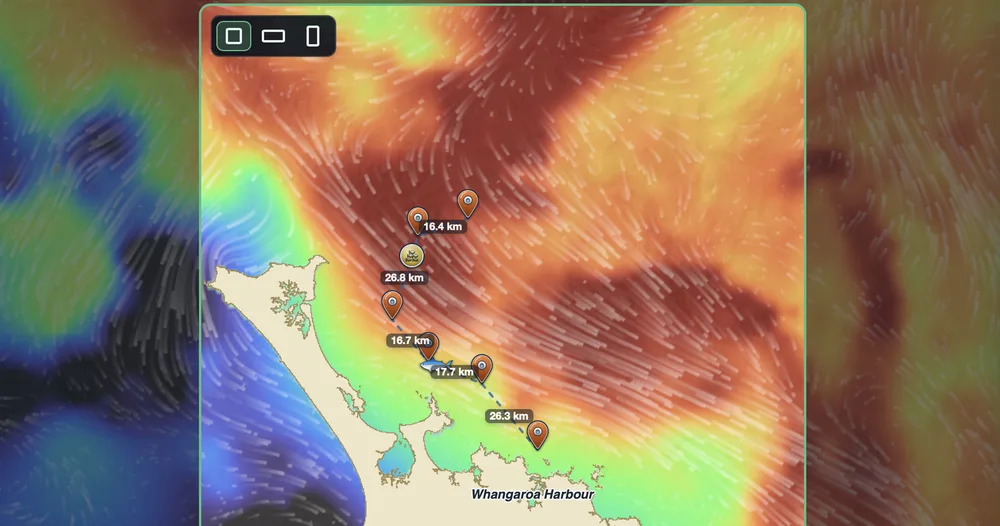
Animated streaks show which way the surface water is moving and how hard. Surface Currents shows speed as colour, including tide and wind drift.
Current and wave forecasts keep the next two days, so they stay current offline.
Sea level and eddies
Satellite sea-level readings show raised and lowered patches that usually mark warm-core and cold-core eddies, as a colour wash or as labelled rings.
Current Eddies highlights spots where the water is genuinely rotating.
Depth and the chart
Depth contours and soundings come from the official LINZ nautical chart and show through the data layers.
Tap anywhere to see the depth at that spot. Further offshore, an approximate figure comes from GEBCO's global seafloor map.